Find it nearby.
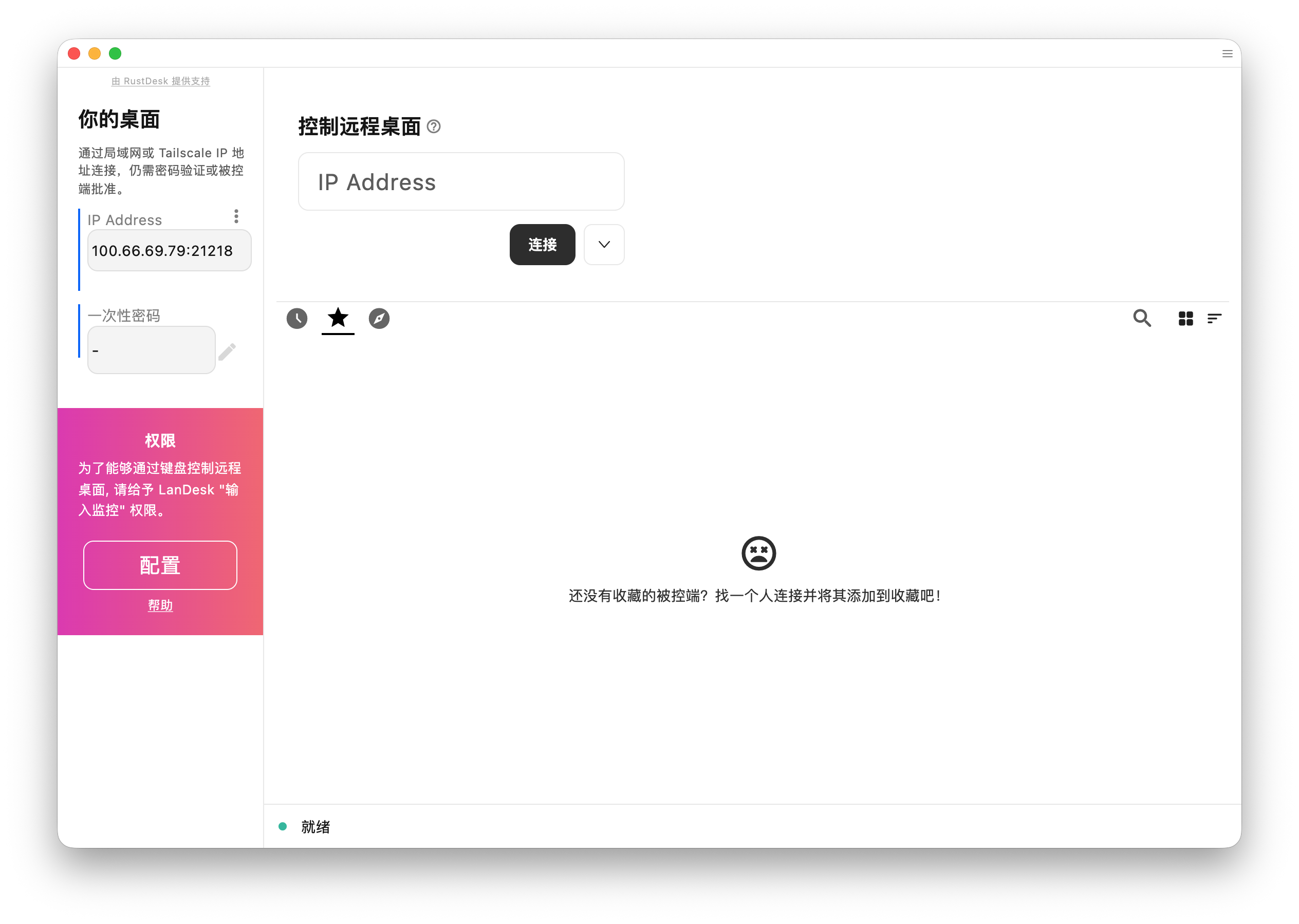
Use native LAN discovery, or enter a private IP address and port across a routed network or VPN.
 LanDesk.
AGPL-3.0 OPEN SOURCE. LOCAL FIRST.
A LAN remote desktop tool modified from RustDesk, with a modern interface and floating virtual keys. Use it with Tailscale to connect your private devices.
Based on RustDesk. Independently maintained under AGPL-3.0; not an official RustDesk release.
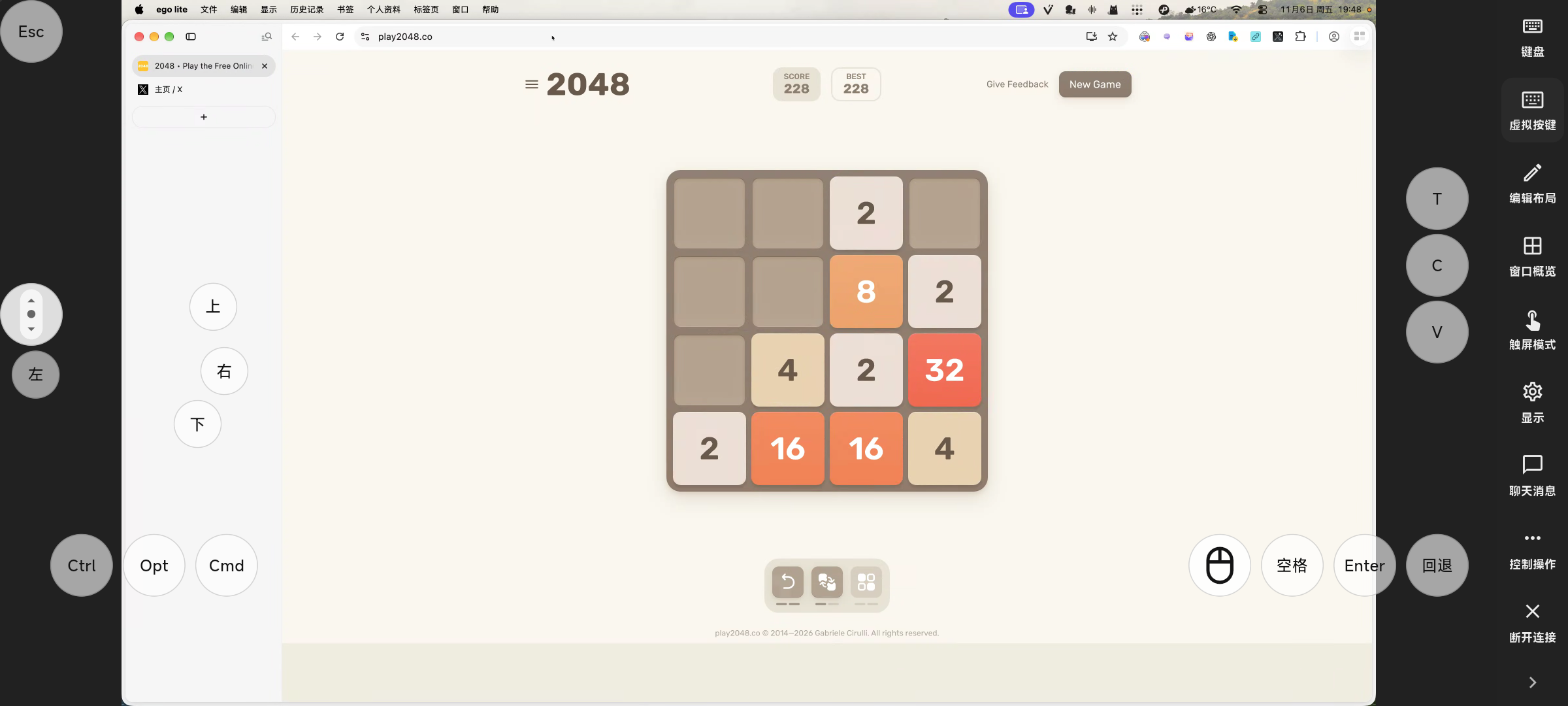
11 seconds · LanDesk 1.5.1: play 2048 on your Mac using virtual keys on your phone. Requires a reachable LAN or private VPN.
DESIGNED FOR YOUR NETWORK
Use native LAN discovery, or enter a private IP address and port across a routed network or VPN.
Use the host password or connection approval. Direct-IP transport is not encrypted by LanDesk; use Tailscale or a trusted VPN for encryption.
RustDesk native remote control with a refreshed skin, floating virtual keys, and a remote-window overview.
A FEW STEPS. A DIRECT CONNECTION.
Use LanDesk 1.5.1 on both peers. This migration preview does not support the legacy LanDesk protocol or migrate its credentials.
Configure password or connection approval in Security settings. Allow the native TCP port in the firewall; the default is 21118.
Select a nearby device or enter its private IP and port. Authenticate with the host password or approve on the host.
CHOOSE YOUR BUILD
Desktop builds for Windows, macOS, and Linux. Android APKs for mobile access. iPhone and iPad are controllers; public TestFlight is available.
Native preview 1.5.1 (101), not a stable release. Update both peers; legacy 1.3.0 is incompatible.
Developer ID signed and notarized. macOS 12.3+; choose Apple Silicon or Intel.
Downloadlandesk-1.5.1-101-macos-arm64.zip
GitHub backup ↗Release notes & checksums ↗Portable x64 ZIP for Intel/AMD. This preview is unsigned.
Downloadlandesk-1.5.1-101-windows-x86_64-unsigned.zip
GitHub backup ↗Release notes & checksums ↗x64 TAR.GZ built on Ubuntu 22.04. See release notes for runtime libraries.
Downloadlandesk-1.5.1-101-linux-x86_64.tar.gz
GitHub backup ↗Release notes & checksums ↗Signed APKs for ARM64, ARMv7 and x86-64.
Downloadlandesk-1.5.1-101-aarch64-signed.apk
GitHub backup ↗Release notes & checksums ↗Controller only · iOS 15+. Build 101 is available in the public TestFlight beta.
Join TestFlight ↗GOOD TO KNOW
Only if your devices are already reachable over a routed private network or VPN. Public IPs and hostnames are rejected. VPN transport is managed by the VPN provider; LanDesk cannot promise that the VPN itself never uses a relay.
No cloud account or rendezvous server is needed. Configure the host password or connection approval.
No. LanDesk is independently maintained on the official RustDesk native codebase under AGPL-3.0. The old implementation remains on the legacy branch.
LAN discovery usually stays within the local network. Across VPNs or VLANs, enter a private IP and check routing, the firewall, the listening port, and host permissions.
LAN DESK. LESS DISTANCE.
Start with the build notes, then connect your own devices.