
Connect with LanDesk
LanDesk connects devices that can already reach one another over a LAN, routed private network, or VPN. It does not provide Internet rendezvous, NAT traversal, or an application relay. Both peers must support the LAN protocol; stock RustDesk authentication is not compatible.
Choose a build
- macOS Apple Silicon preview 1.3.0 (99): signed with an Apple Development certificate, not notarized. Review the release notes and SHA-256 checksums. Gatekeeper may block it on another Mac; this is not a Developer ID release.
- Nightly packages: Windows, Linux, Android and other Mac architectures. Check the commit and asset list for the exact build you need.
- iPhone and iPad: controller only. Public TestFlight has been created; installation opens after Apple approves external testing.
There is currently no verified fixed Feishu download file for LanDesk. The links above lead to the real GitHub releases, where package status and checksums can be inspected.
For a new Mac installation, extract LanDesk.app and copy it to Applications. If you already have LocalDesk.app, follow the application name migration before replacing it, so background service paths remain correct. Do not remove application data to perform an update.
Prepare the controlled computer
Open LAN settings from the local desktop card on the home screen. Set an access username and strong, unique password. The password is stored as a salted Argon2id hash. Configure the source CIDR allowlist for your controller's network.
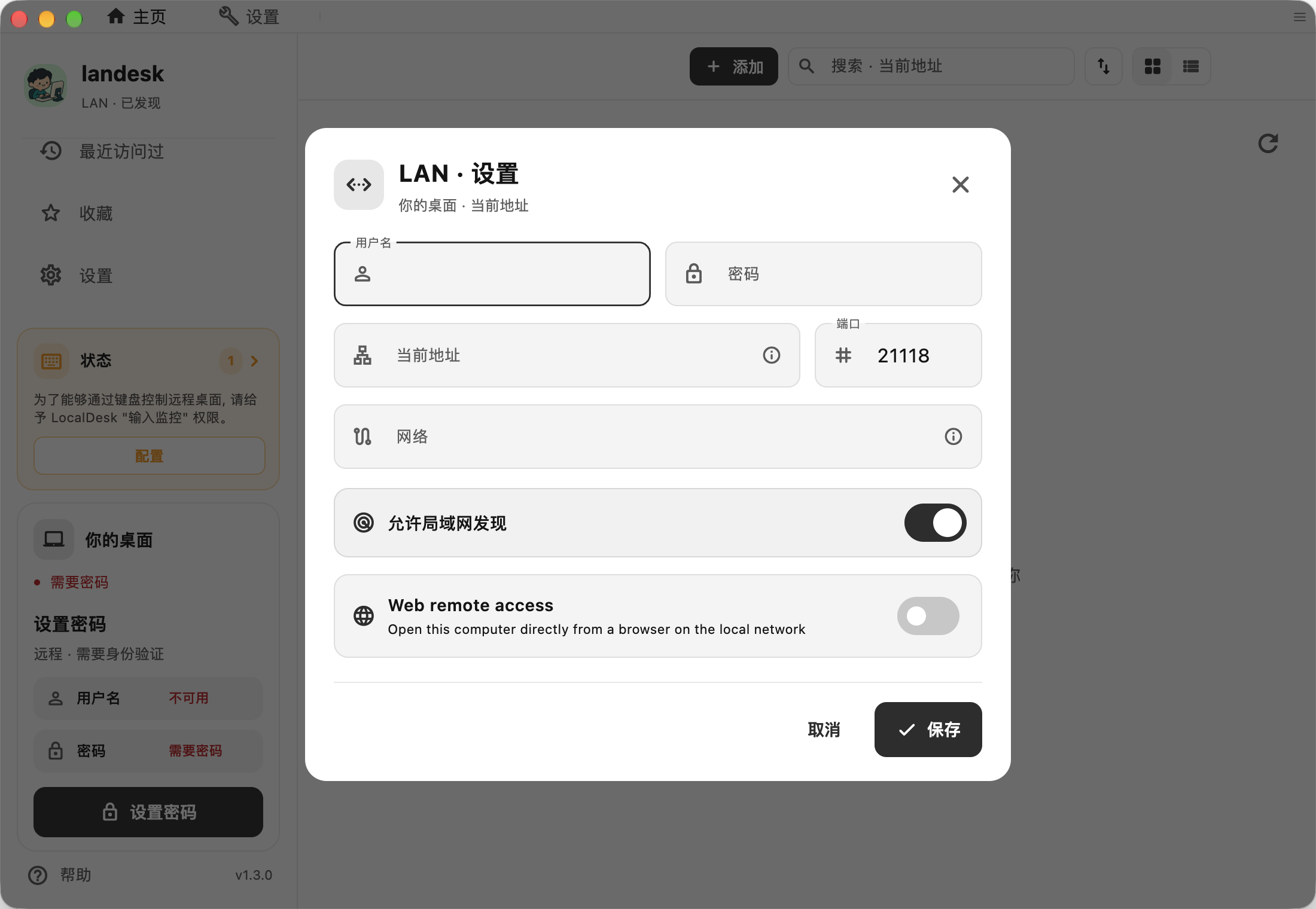
The screenshot shows the actual macOS preview, with its access and network settings. Do not reuse the example network or credentials without considering your own environment.
Allow the configured TCP listening port in the host firewall; the default is 21118. On macOS, the system may require screen-recording and input permissions for hosting. On Linux, consult the host readiness notes for SELinux and Wayland constraints.
Find and verify the target
Enable LAN discovery to find nearby devices through mDNS. Discovery advertises device names, platform, addresses, port, and public fingerprint to the local network; it does not include passwords. You can disable discovery and enter a private IP address and port directly.
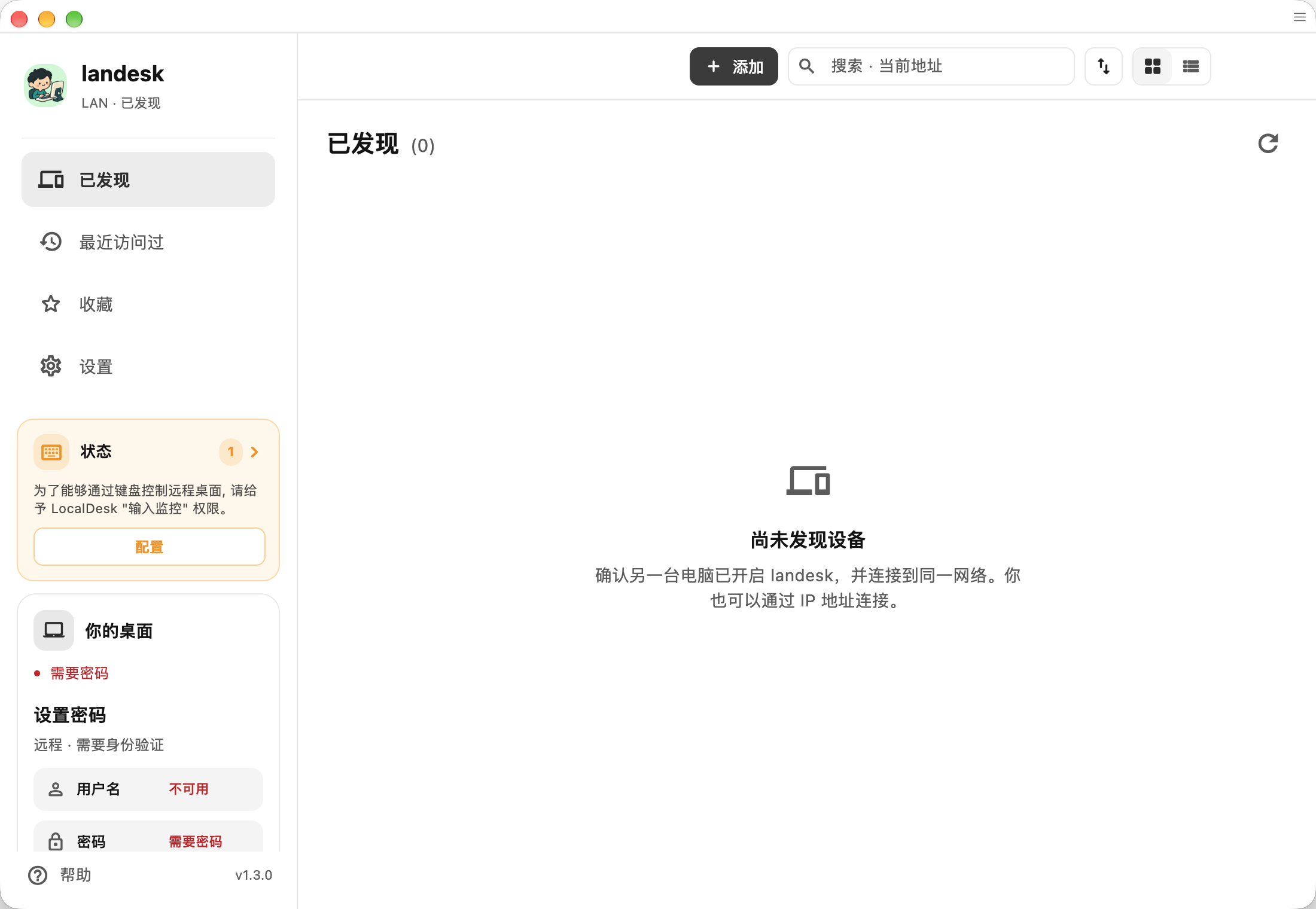
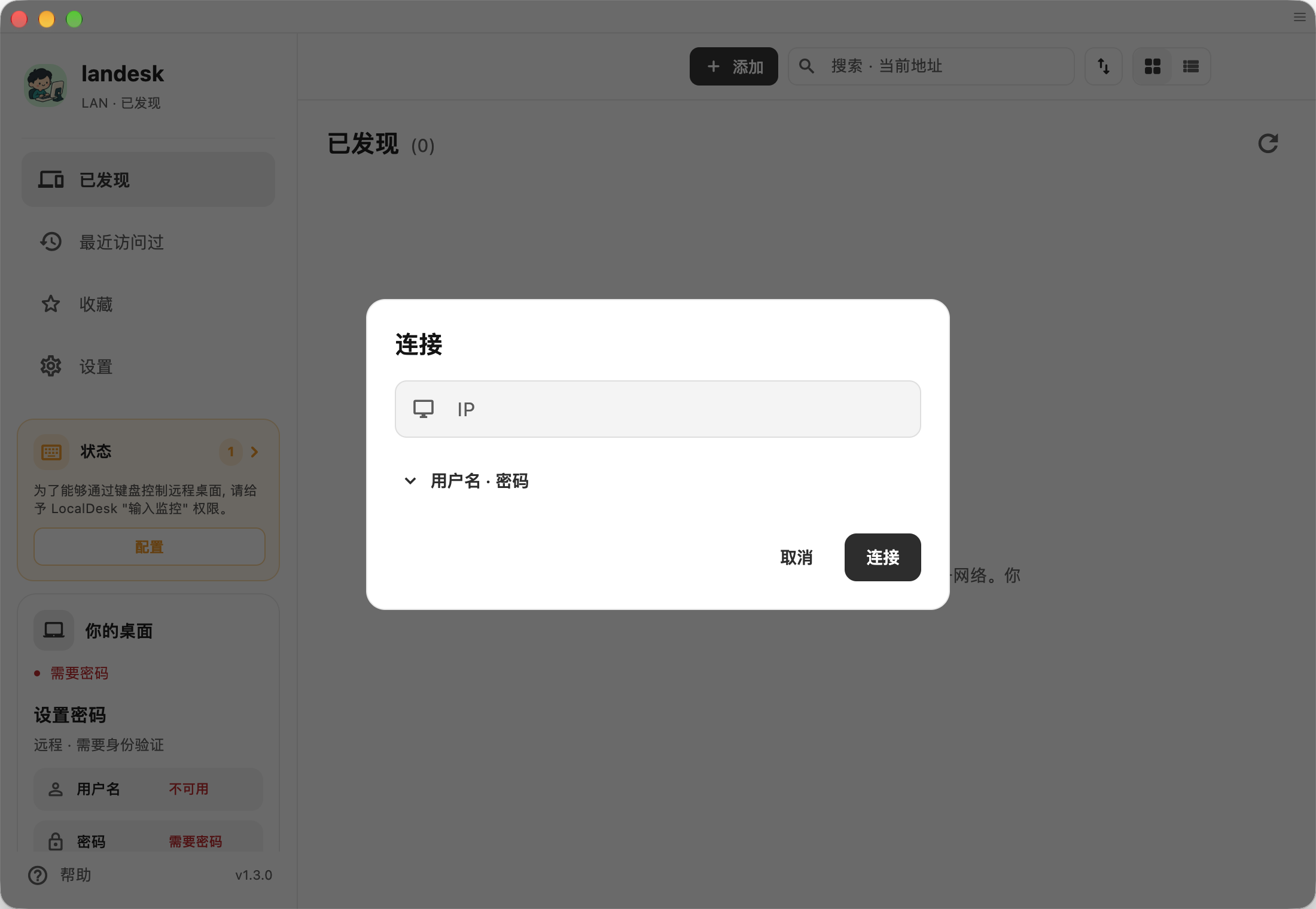
This is the actual initial discovery screen; an empty list means no nearby peer has been discovered. Across VPNs or VLANs, mDNS may not propagate. Try direct private-IP entry, then check routing, port access, and the CIDR allowlist. Public IP addresses and hostnames are rejected; use a private IPv4 or ULA IPv6 literal. Scoped link-local IPv6 is not supported.
On first connection, verify the target fingerprint through another trusted channel, then enter its access credentials. No cloud account is needed. LanDesk does not choose the VPN's transport or guarantee that the VPN itself never uses a relay.
Source, privacy, and support
LanDesk is an independent project derived from SubnetDesk and RustDesk, licensed under AGPL-3.0. It is not an official RustDesk release.
Read the privacy policy, platform validation records, and version-specific source coverage. Report problems through GitHub Issues, without passwords, private keys, or private session content.